Skip to main content
How do I convert a CRA LAR .DAT file to a text file?
When a CRA LAR file is downloaded from the Compliance Data Platform (CDP), it is automatically generated in .DAT format. If the CRA LAR is needed in text format, the steps below can be taken.
- After the file is downloaded from CDP, open the File Browser on your computer.
- Navigate to where the CRA LAR file has been saved.
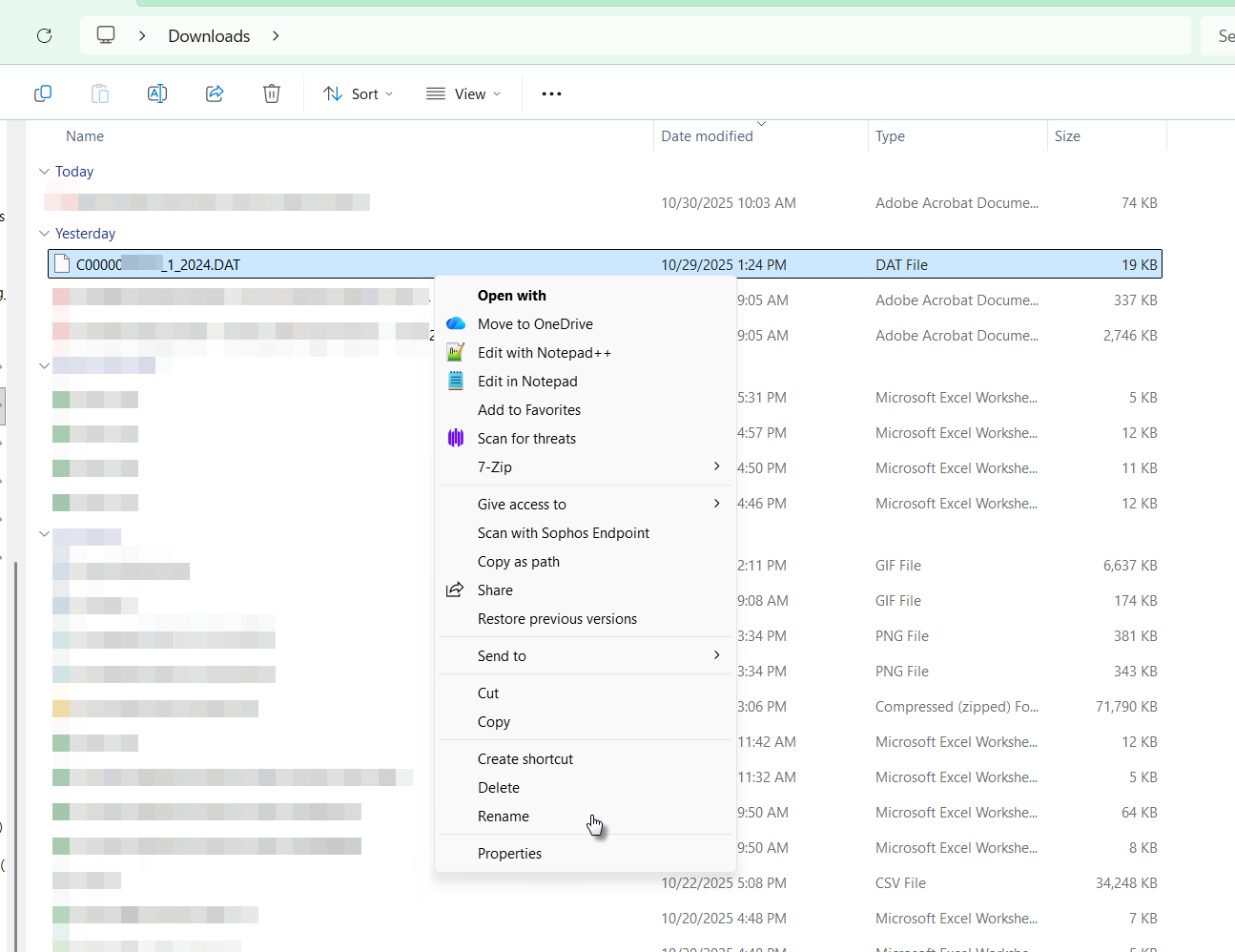
- Right-click on the file.
- From the drop-down menu, click on Rename.
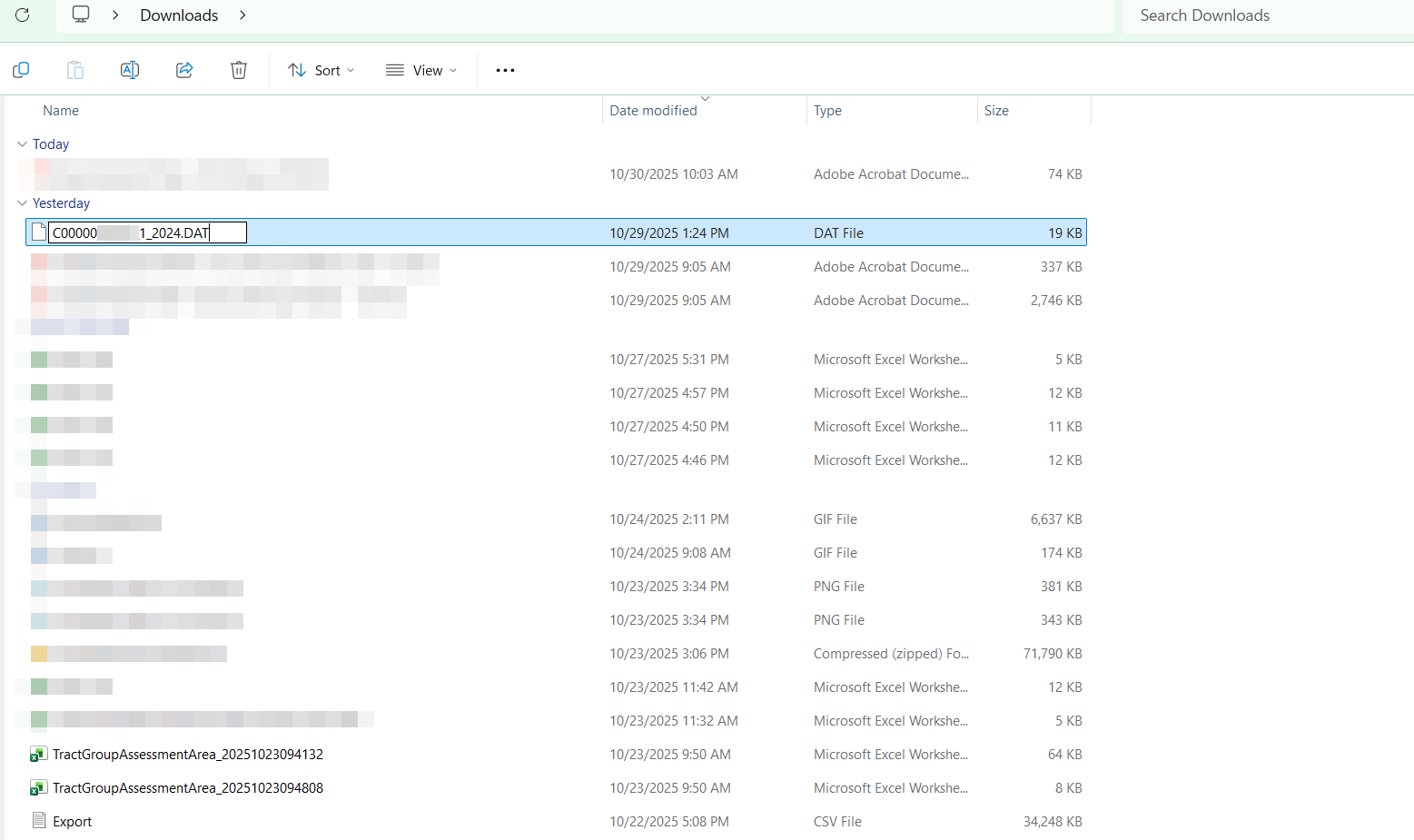
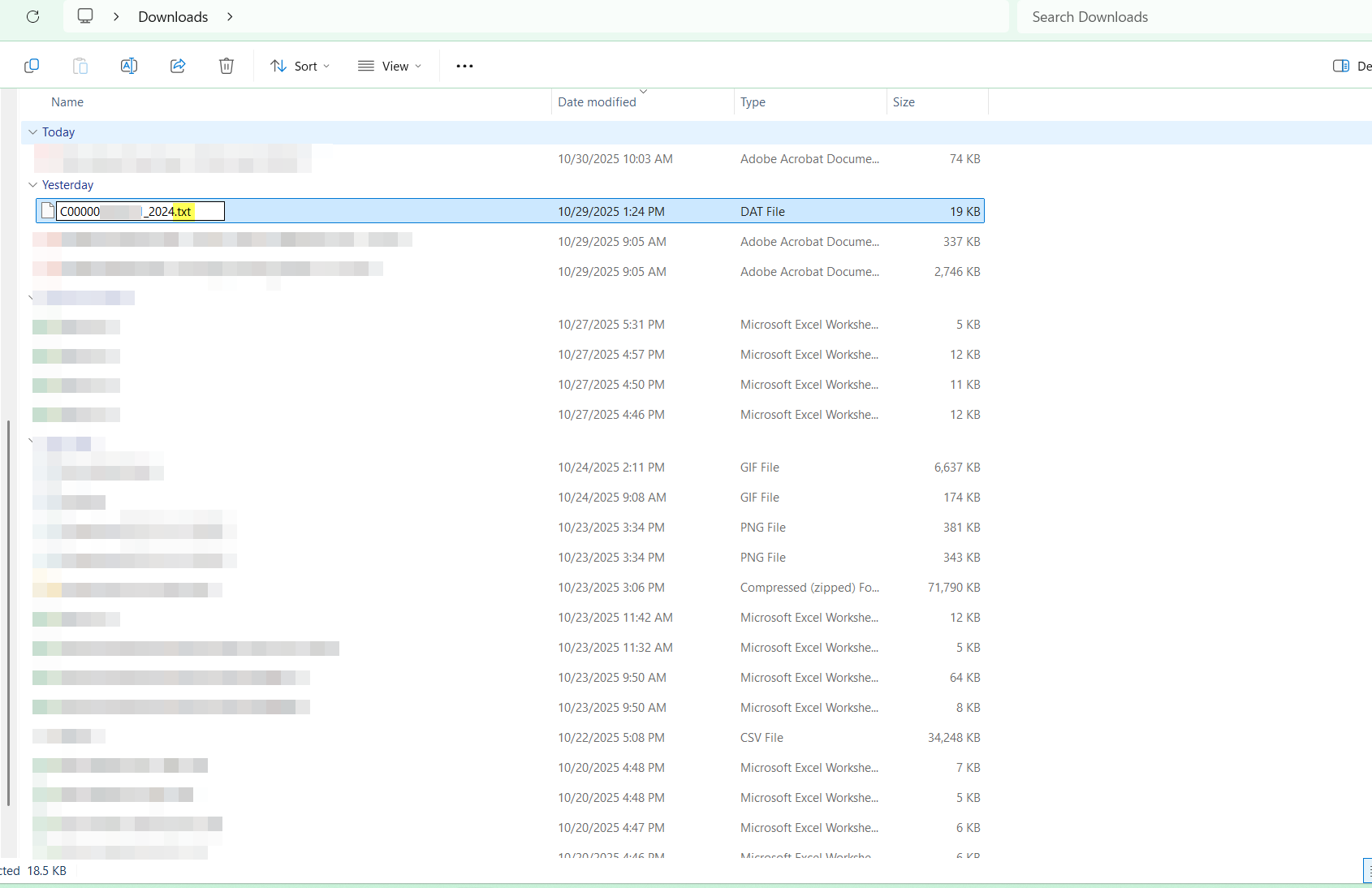
- Place your cursor at the end of the file name and change '.DAT' to '.txt'.
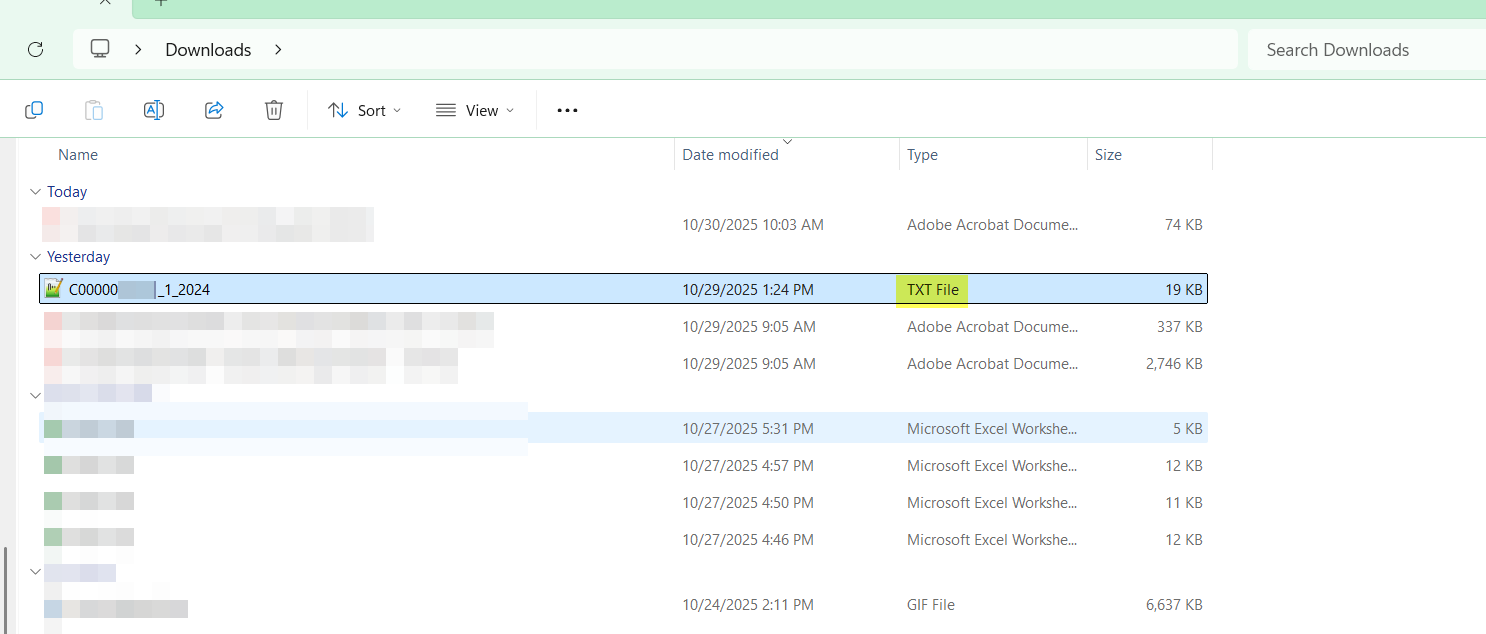
- A window may appear warning if the filename is changed the file may become unusable. Click OK on the prompt. The CRA LAR file will reflect as TXT file.